The session ignites, you reach for the panel, and the display returns nothing. A vanished overlay presents as breakage yet is almost invariably environmental: the permission revoked in silence, the battery regime suspending the utility mid-evening, or a stale process lingering in an update's aftermath. This guide to the X3 Panel panel missing problem interrogates the three causes in order — sequence is substance here, since each examination is cheaper than the remedy queued behind it.
Reinstallation is exiled to the end of this philosophy, where it belongs: it resets permissions and imperils profiles, and the overwhelming majority of panels resurrect two settings earlier.
First Interrogation: The Permission
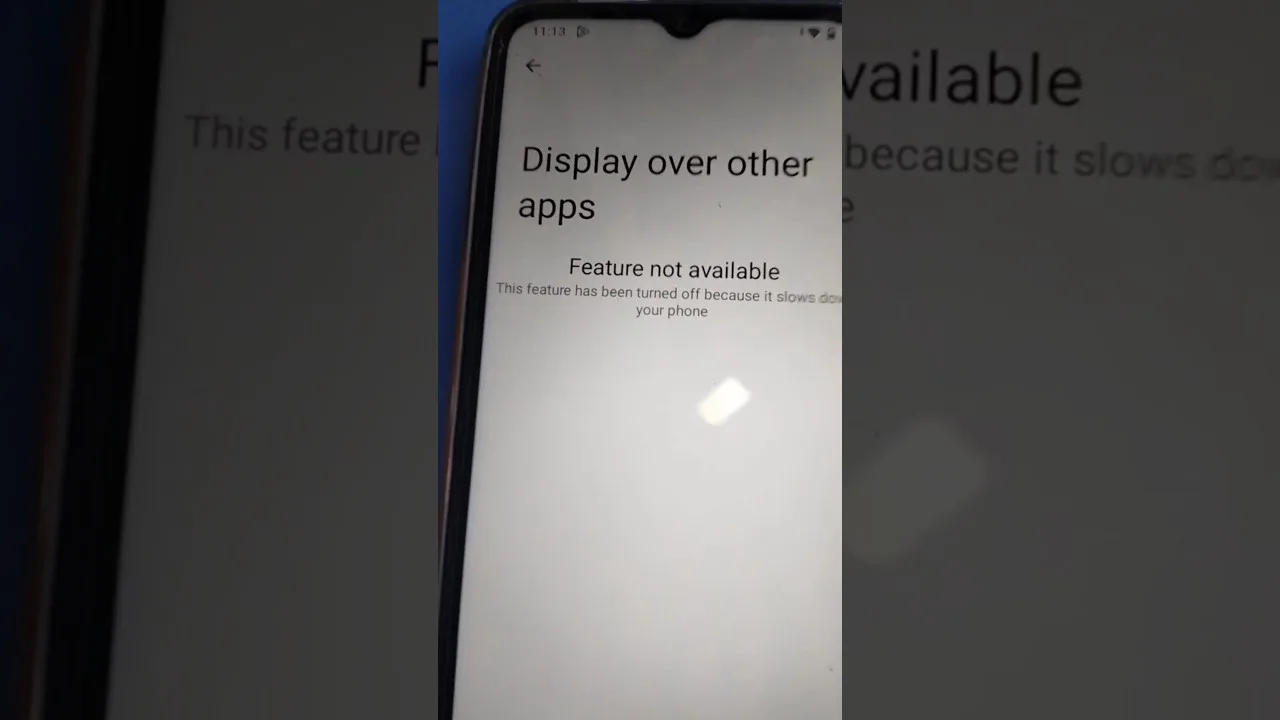
No grant, no overlay — and grants evaporate innocently, through system updates, permission resets, or cleaner utilities tidying well past their authority. Proceed to Android's special-access overlay register and confirm X3 Panel stands among the allowed.
Toggle restored and application relaunched concludes the majority of cases on the spot. The permission's nature and the respect it merits are the subject of our permissions explained guide — read it once, in tranquillity, before you require it in haste.
Second Interrogation: The Battery Regime
Contemporary Android suspends background citizens with zeal, and suspension explains this fault's sinister variant — the panel attends the opening minutes, then absents itself mid-session like a servant departing early. Exempt X3 Panel from battery optimisation within its app-info battery settings, and prove the cure across one complete session.
Certain manufacturers maintain a parallel proprietary regime with separate registers and autostart gates. When the standard exemption fails to hold, hunt the brand's own battery citadel and whitelist the application there as well; double gatekeeping is standard practice across budget hardware.
Third Interrogation: Sequence and Staleness
Force-stop the application from app-info. Reopen X3 Panel first, verify the panel presenting correctly over the home screen, and only then admit the game. The order is the mechanism itself: the overlay service must be alive and authorised before the game takes exclusive possession of the display.
Following a complete phone restart, observe the identical liturgy. This discharges the stale-process family, which congregates predictably in the aftermath of app or game updates — the same frontier our update guide patrols from the opposite direction.
When the Three Acquit Themselves
Widen the investigation to the surviving ordinaries: storage so exhausted the application cannot hold state; a rival overlay utility contesting the same glass; or a game update that renovated its presentation. Silence competing overlays for one session and allow the conflict hypothesis to stand or fall on evidence.
Beyond that frontier, our not working fixes continue the tree through general application health to reinstallation — stationed, as it should be, at the terminus rather than the threshold.
Final Thoughts
Permission, power, process — interrogated in that order at roughly two minutes each. Nearly every vanished panel on record was one word of those three, and all three yield to settings rather than surgery.